
Sell with the fastest-growing and preferred acquisition channel1
Get 10% back on your first
$50,000 in branded sales
$50,000 in branded sales
$39.99 a month + selling fees
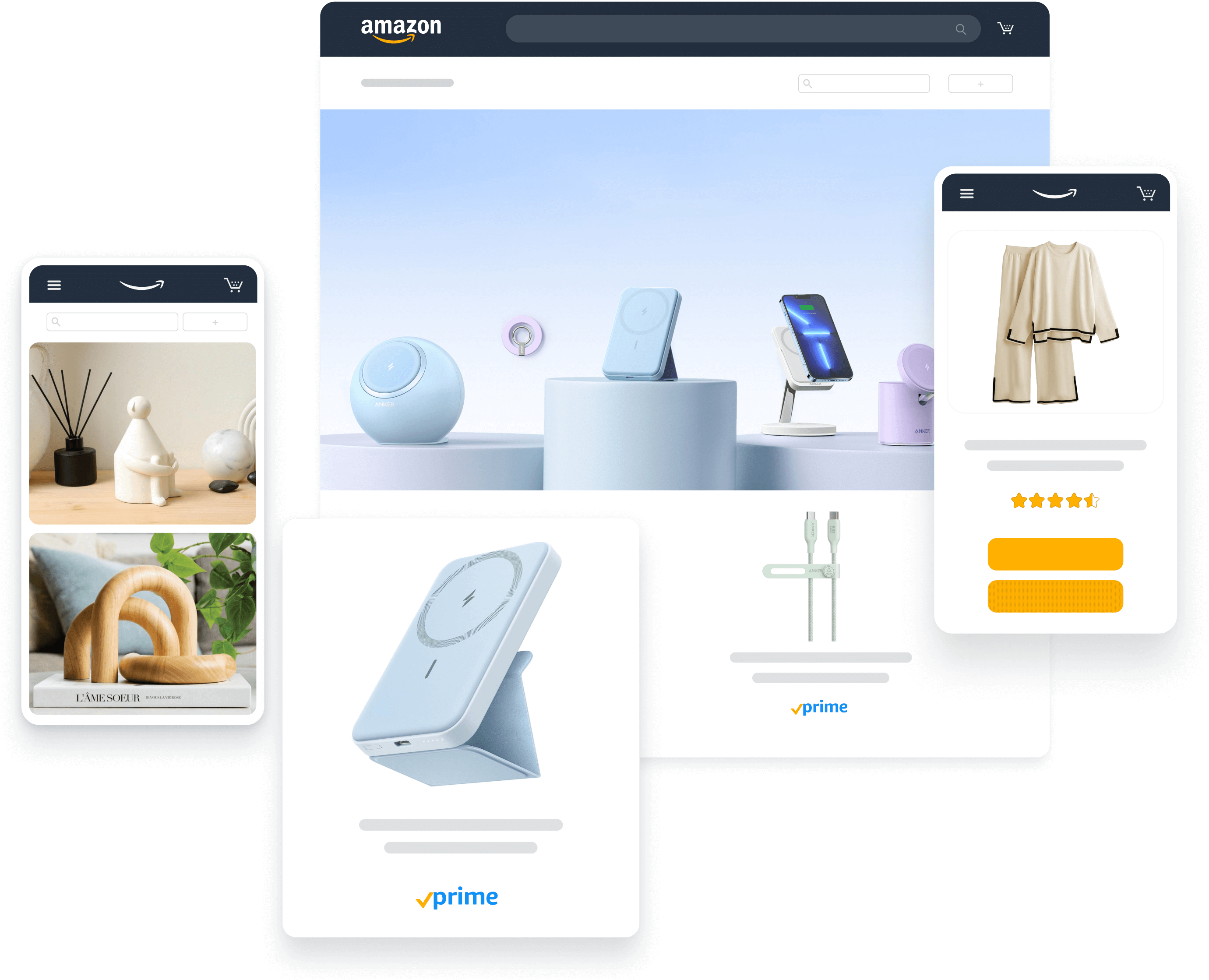
More than 70% of Amazon sellers generate their first sale in less than 60 days.2

Get started with $50,000 in incentives
Ready to sell with Amazon? As a new seller, you can take advantage of a series of incentives.

10% back on your first $50,000 in branded sales, then 5% back through your first year until you reach $1,000,000
$100 off shipments into the Amazon fulfillment network using the Amazon Partnered Carrier program
Free storage and customer returns with auto-enrollment in the FBA New Selection program
$50 credit to create Sponsored Products or Sponsored Brands ads
How to sell with Amazon
Our newly revised beginner's guide provides an overview of how to create a selling account, list products, fulfill customer orders, and more. Learn how to succeed with Amazon—whether you’re new to online retail or just new to the Amazon store.


"I’ve actually been really impressed—and kind of surprised, quite frankly—at how much Amazon has helped us build the brand; not just on Amazon, but outside of Amazon."

Matt McCauley
Co-Founder
74%
of Amazon Customers use Amazon to discover new products or brands
500K
brands are in Brand Registry, unlocking our powerful tools


Get 10% back on your first $50,000 in branded sales. Learn how
Your business at scale
Amazon customers buy roughly 7,400 products per minute from U.S. sellers. Build, grow, and scale your brand with our innovative toolkit: world-class logistics, a proven customer experience, rich data insights, and cutting-edge advertising & marketing solutions. This is your path toward profitability.

“When we launched on Amazon, I had expectations that Amazon would be about 10% to 20% of our total business. Within the first six months, it was 50%. It just exploded. And it really changed the way I thought about the future of our business.”

Dee Murthy
Co-Founder
On average, sellers see a 20–25%
increase in sales after adopting FBA.

Outsource your logistics
With Fulfillment by Amazon (FBA), you store products in our fulfillment centers, and we pick, pack, ship, and deliver to customers while handling returns and customer service. New sellers can also enjoy credits for shipments into our fulfillment network as part of New Seller Incentives.

Advertise with Amazon
Get discovered, increase sales, and control costs with Amazon Ads. Use cost-per-click (CPC) campaigns to showcase your products and brand, or try formats like video, audio, and devices ads. You control your bids and budget, which means you never have to overspend.

Sell more with the New Seller Guide
The New Seller Guide is a set of brand, logistics, pricing, and promotional services that we recommend to sellers who are just getting started with Amazon. Sellers who adopt these services can take advantage of over $50,000 in New Seller Incentives.
Your brand experienced
Connect your brand to millions of customers. Control the experience from discovery to your dedicated storefront, and from your product pages to their inboxes—Amazon customers following a brand spend more than double that of non-followers. Communicate your core values, build loyal relationships, and ignite your brand experience.

"We found that the tools, the features, everything that we can do within the branded storefront can mimic what we’re doing on our website."

Susan Petersen
Chairwomen & Chief Brand Officer
Customers who follow a brand on Amazon
spend 2X more than non-followers.

Your dedicated storefront
Showcase your brand and products in a multipage, immersive shopping experience with Amazon Stores. Curate content to inspire, educate, and help customers discover your brand, and get insights into related sales, visits, page views, and traffic sources.

Optimize your brand content
Showcase your brand and product features on Amazon product pages, and run A/B tests to optimize your content for conversion using Manage Your Experiments. Over the last year, thousands of sellers have used the tool to maximize product listings.

Inform your strategy
Make informed, strategic decisions about your product portfolio, marketing, and advertising activities with valuable insights from Brand Analytics. Over the last year, more than 500,000 sellers have used this tool to accelerate the growth of their brands.
Your success supported
Protect your brand and IP with powerful tools to defend against counterfeits and fraud, plus get critical performance metrics to monitor customer sentiment and ensure a top-tier, always-on brand experience. Get started with 1:1 onboarding support for insights to help you take your business to the next level.

"The automated protections and the self-service removal of counterfeit products, is a significant development that will help ensure our customers receive authentic Vera Bradley products from Amazon."
Mark Dely
Chief Legal & Administrator Officer
Over 500,000 brands worldwide are enrolled in Brand Registry.

Register your brand
Unlock a suite of tools designed to help you manage your brand and create a better customer experience, including automated protection and powerful search tools to find and report violations.

Get a helping hand
All new sellers in the U.S. now qualify for 12 free months of 1:1 onboarding support from our account managers. Or, add a designated account manager to help you scale your business with Strategic Account Services (SAS) Core.

Scale with apps and services
Service Partner Network now offers more than 6,200 Amazon-vetted service providers and apps which are used by more than 1 million sellers worldwide to help sellers build, manage, automate, and scale their business.
Brand case studies


Go mobile
Use the free Amazon Seller app
The Amazon Seller app is packed with features to help you manage and grow your ecommerce business wherever you are. It gives you the freedom to take care of business details right from your phone or tablet.


Resources for new sellers

Seller University
Explore educational resources to help you learn to succeed as an Amazon selling partner.

Selling Partner Appstore
Discover Amazon-approved third-party software partners to automate, manage, and grow your business.
Stay connected
Get helpful tips on building your brand with Amazon
Zero spam. Unsubscribe at any time.

Just have a few items to sell?
1 Amazon internal data, FY2021 survey of 21.2K U.S. multichannel sellers. | 2Amazon Internal Data, 2022


